In today’s digital-first world, graphic design has become an essential skill for creators, marketers, and businesses alike. Whether you’re designing social media graphics, branding materials, or website assets, having the right tools can make all the difference. The good news? You don’t need to be a professional designer to create stunning visuals — you just need the right software.
Here are the 10 best graphic design tools every creator should know.
1. Canva
Perfect for beginners and professionals, Canva offers drag-and-drop simplicity with thousands of templates for social media, posters, presentations, and more.
- User-friendly interface
- Free and paid plans available
- Built-in stock photos, icons, and fonts
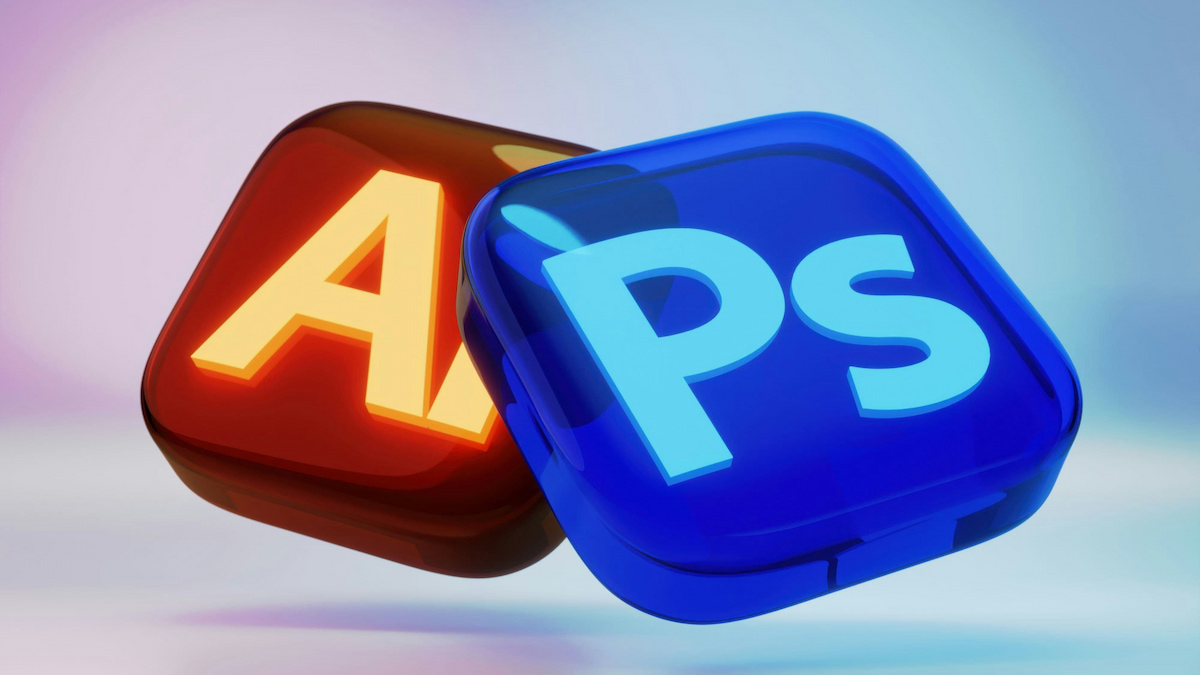
2. Adobe Photoshop
The industry standard for image editing. If you want precise control over your visuals, Photoshop is unmatched.
- Best for photo manipulation and detailed design
- Advanced features like layers, masks, and smart objects
- Huge community and tutorials available
3. Figma
A collaborative tool that’s revolutionizing UI/UX design. Figma is a cloud-based platform, making it easy for teams to collaborate in real-time.
- Perfect for app and web design
- Works directly in your browser
- Real-time collaboration features
4. Adobe Illustrator
If you’re working with logos, icons, or vector illustrations, Illustrator is your go-to.
- Industry leader in vector graphics
- Infinite scalability without losing quality
- Excellent for branding and print design
5. CorelDRAW
A long-time competitor of Illustrator, CorelDRAW remains a powerful choice for professional designers.
- Intuitive vector illustration tools
- Strong typography features
- Great for both print and digital design
6. Sketch
A Mac-exclusive tool widely used in UI/UX design. Sketch is loved for its simplicity and plug-in ecosystem.
- Optimized for web and app designers
- Lightweight and fast
- Thousands of community plugins
7. Affinity Designer
A budget-friendly alternative to Illustrator with professional-grade features.
- One-time purchase (no subscription)
- Excellent vector and raster tools
- Smooth performance
8. Piktochart
Great for non-designers who want to create infographics, presentations, and reports.
- Easy drag-and-drop builder
- Ready-to-use infographic templates
- Perfect for educators and marketers
9. Gravit Designer
A free vector-based design tool that works online and offline.
- Cross-platform (Windows, Mac, Linux, browser)
- Simple UI with pro features
- Great for quick design projects
10. VistaCreate (formerly Crello)
Similar to Canva, VistaCreate is ideal for social media and marketing visuals.
- 50,000+ templates
- Animated designs supported
- Affordable subscription plan
Final Thoughts
Graphic design doesn’t have to be overwhelming. Whether you’re a beginner starting with Canva or a pro using Adobe Photoshop and Illustrator, the right tools can unlock your creativity and boost your content.
👉 The best part? You don’t need just one — mix and match these tools depending on your project. Start experimenting today, and you’ll see how much easier (and fun!) design becomes.